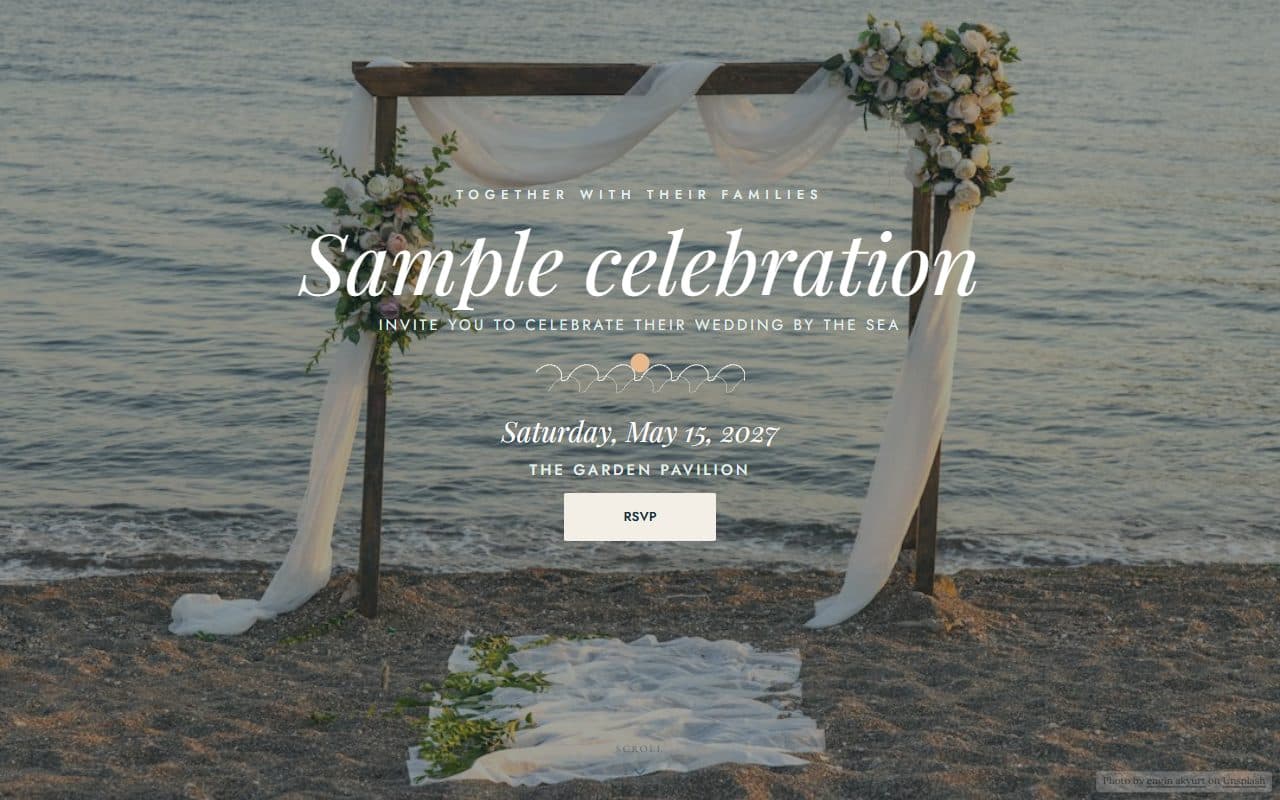
Wedding
Seaside vows
A barefoot-elegant beach wedding: a full-bleed seaside ceremony, sand and sea tones and hand-drawn waves.
Free to start — your site is live in minutes
Start from one of 21 designer templates and share one beautiful link for the invitation, RSVPs, your own questions, registry, menu, dress code and seating, updated in real time.
Built for every celebration
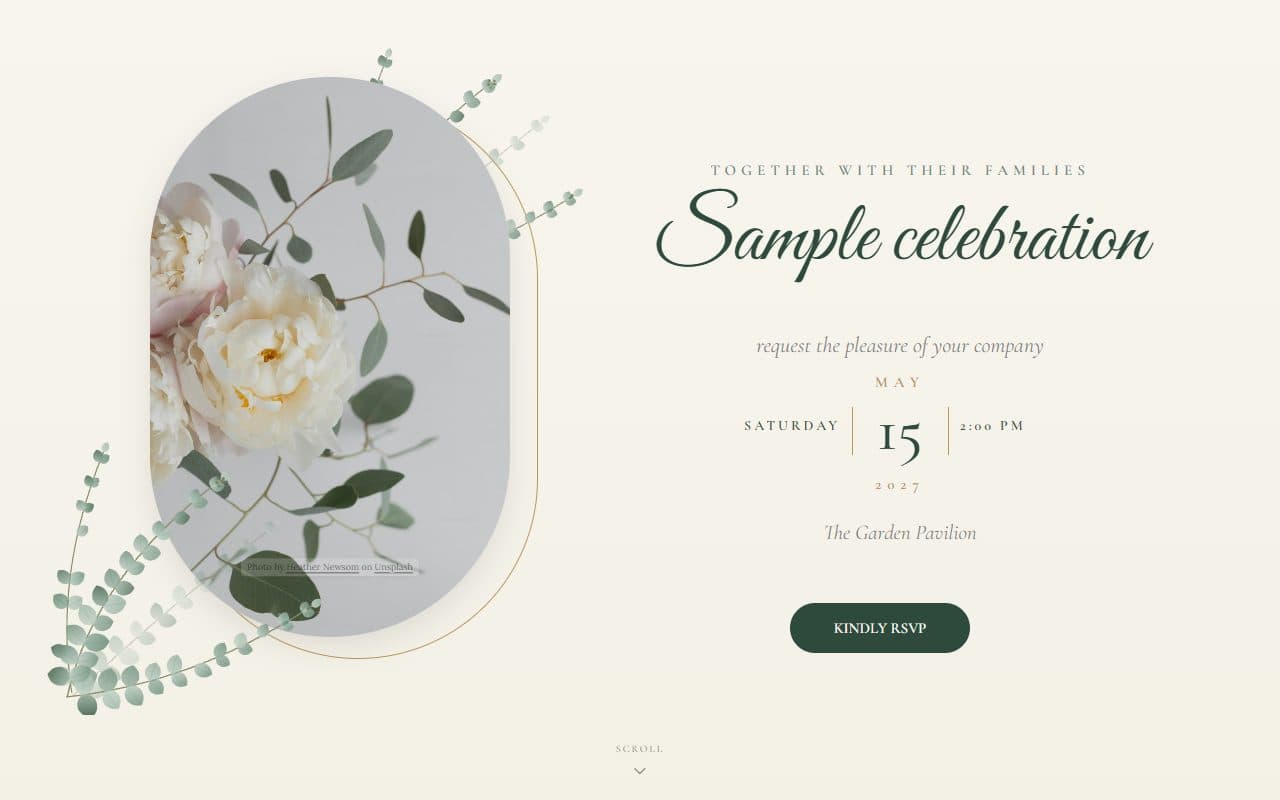
Designer templates for every occasion, with animation, photography and coordinated fonts ready to go.
RSVP, registry, menu, dress code, and seating live together at your own address.
Responses, claims, and orders appear on your dashboard the instant they happen.
Templates
From beach weddings to a 3D yacht party,every template is a complete event website you can make your own.
Wedding
A barefoot-elegant beach wedding: a full-bleed seaside ceremony, sand and sea tones and hand-drawn waves.
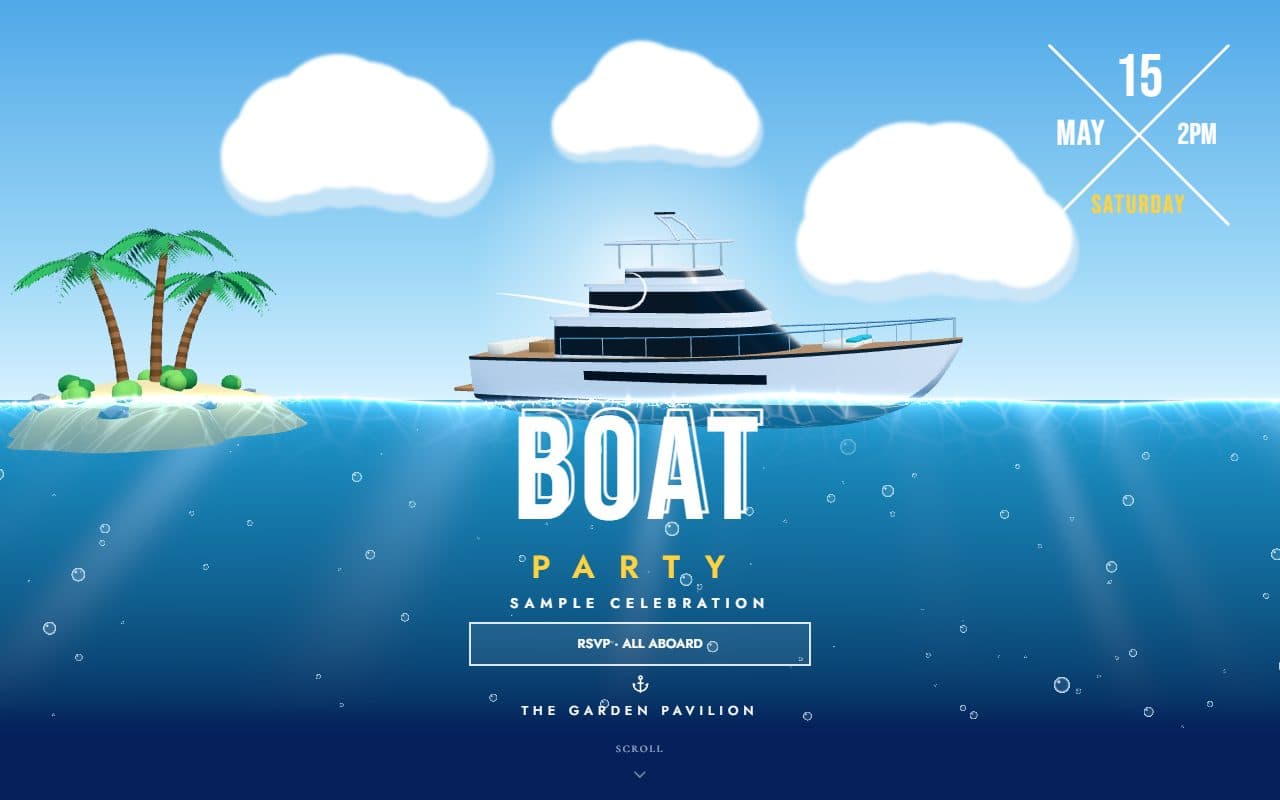
3D/Interactive
A 3D yacht rocking on the waterline of a boat-party poster beside a palm island swaying in the wind, with waves that follow the pointer, foam, spray, caustic light and rising bubbles.
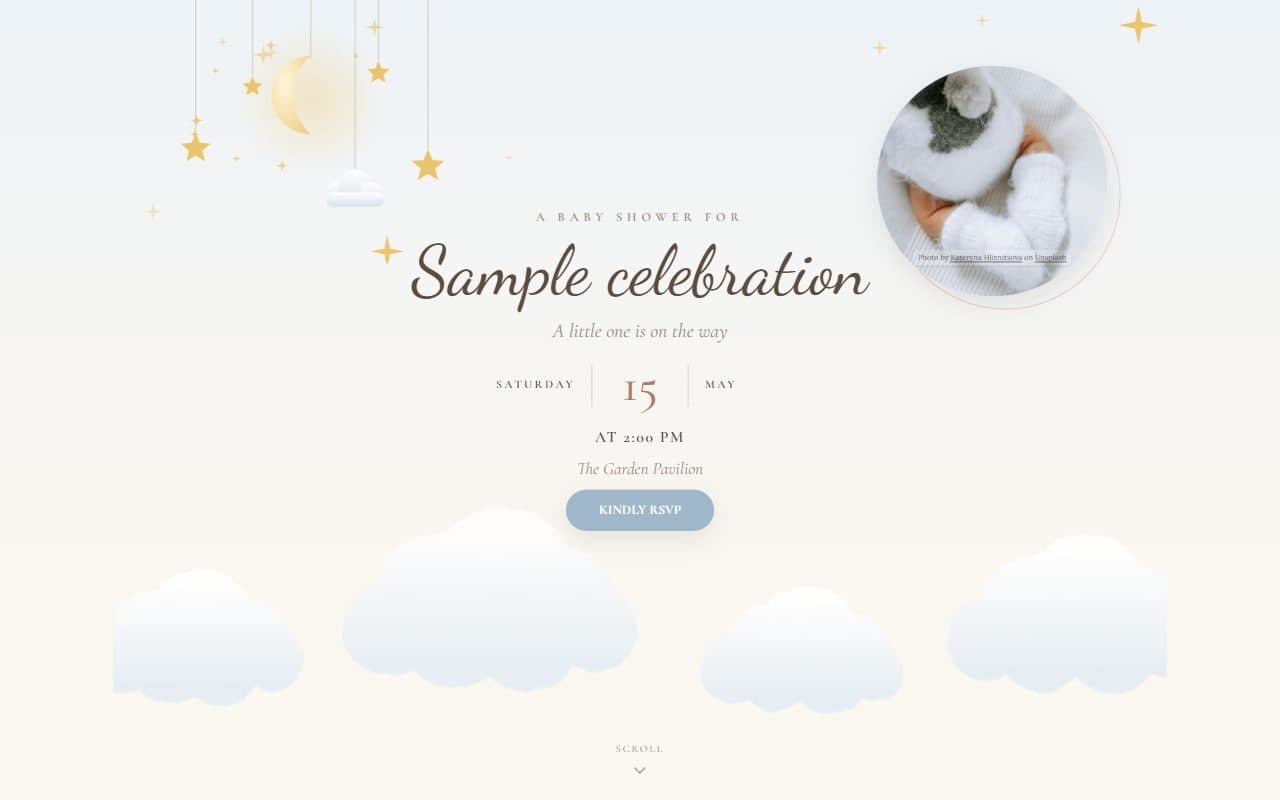
Baby shower
A watercolour nursery mobile, drifting clouds and twinkling stars in soft powder blue and blush.

Cocktail party
Neon bokeh, monstera and palm leaves, a ribbon-banner date and illustrated cocktails at the bar — a vibrant cocktail party.
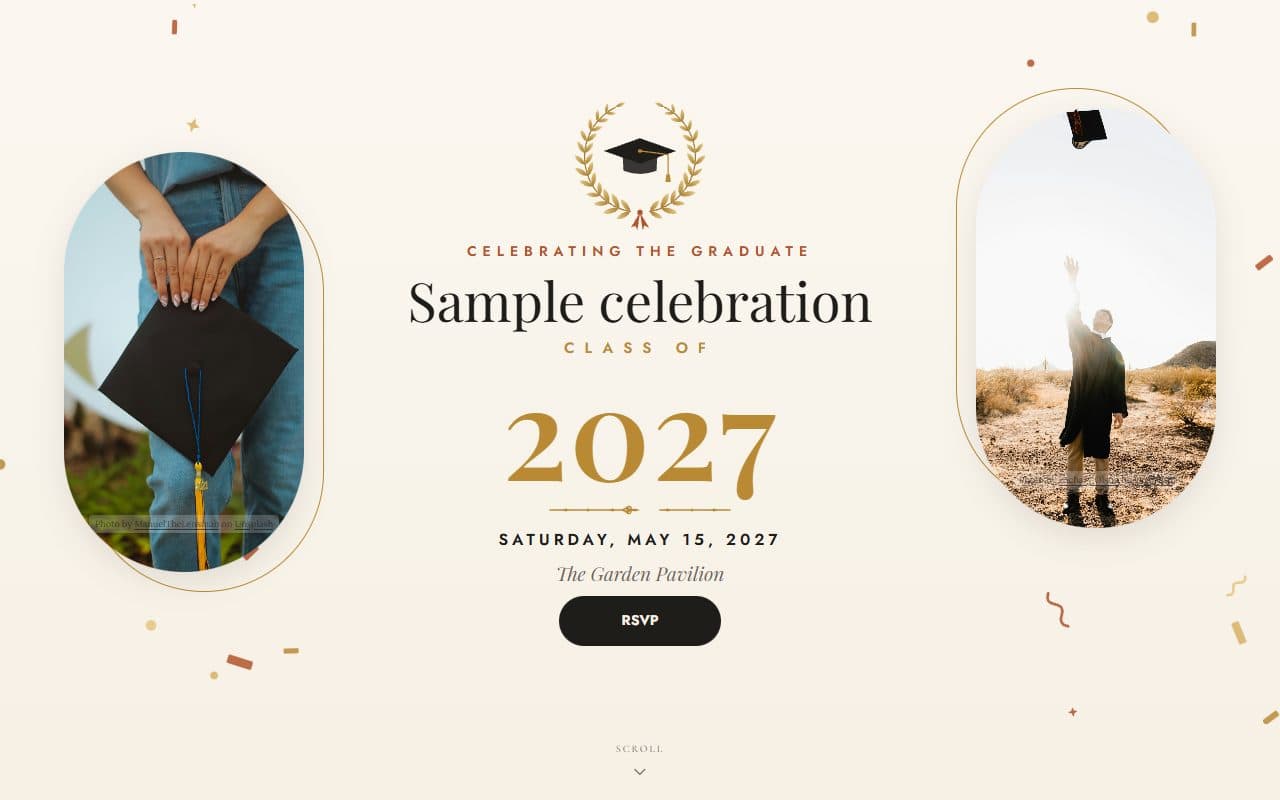
Graduation
A gilded laurel crest, a statement class year and sunlit photography to celebrate a graduate in style.
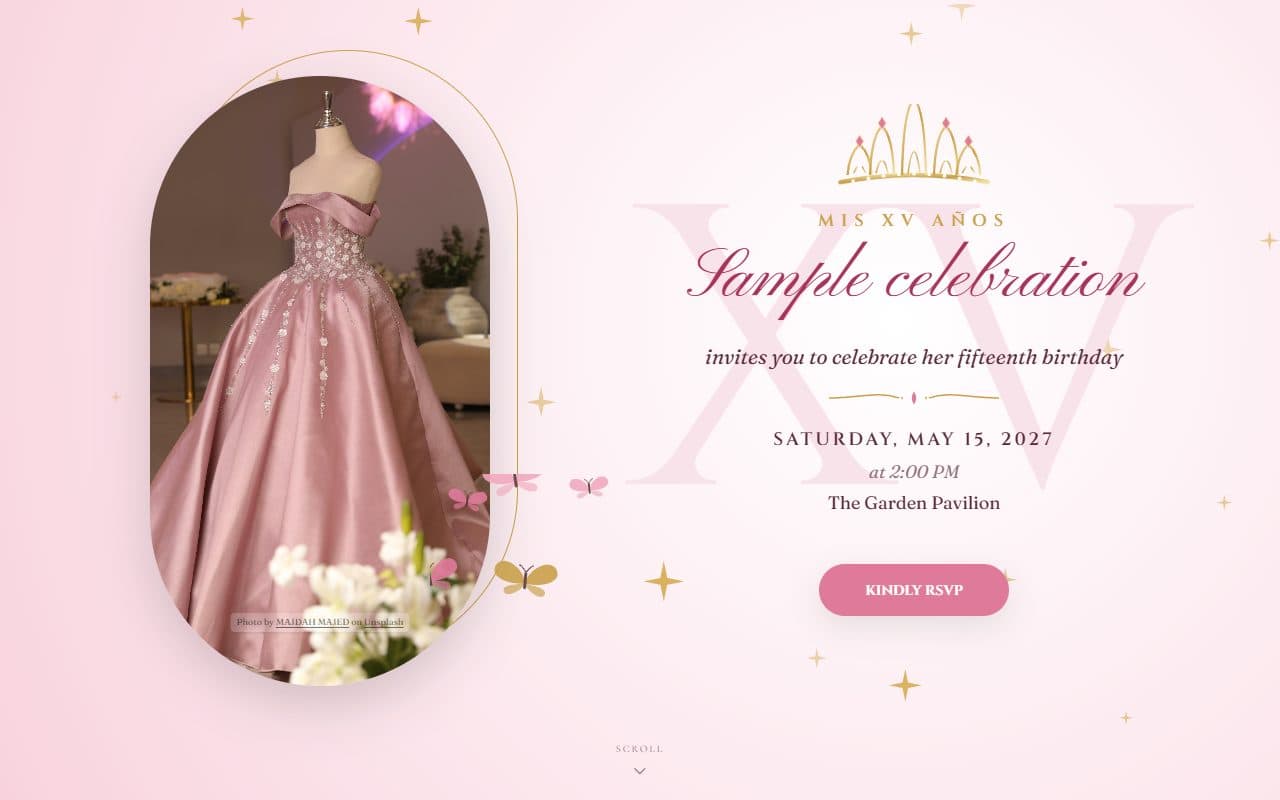
Quinceañera
A jewelled tiara, a blush ball gown, butterflies and gold sparkle for an unforgettable quinceañera.
The guest experience
Every event site is a single page your guests glide through: invitation, details, and everything they need to do, beautifully in order.
The details
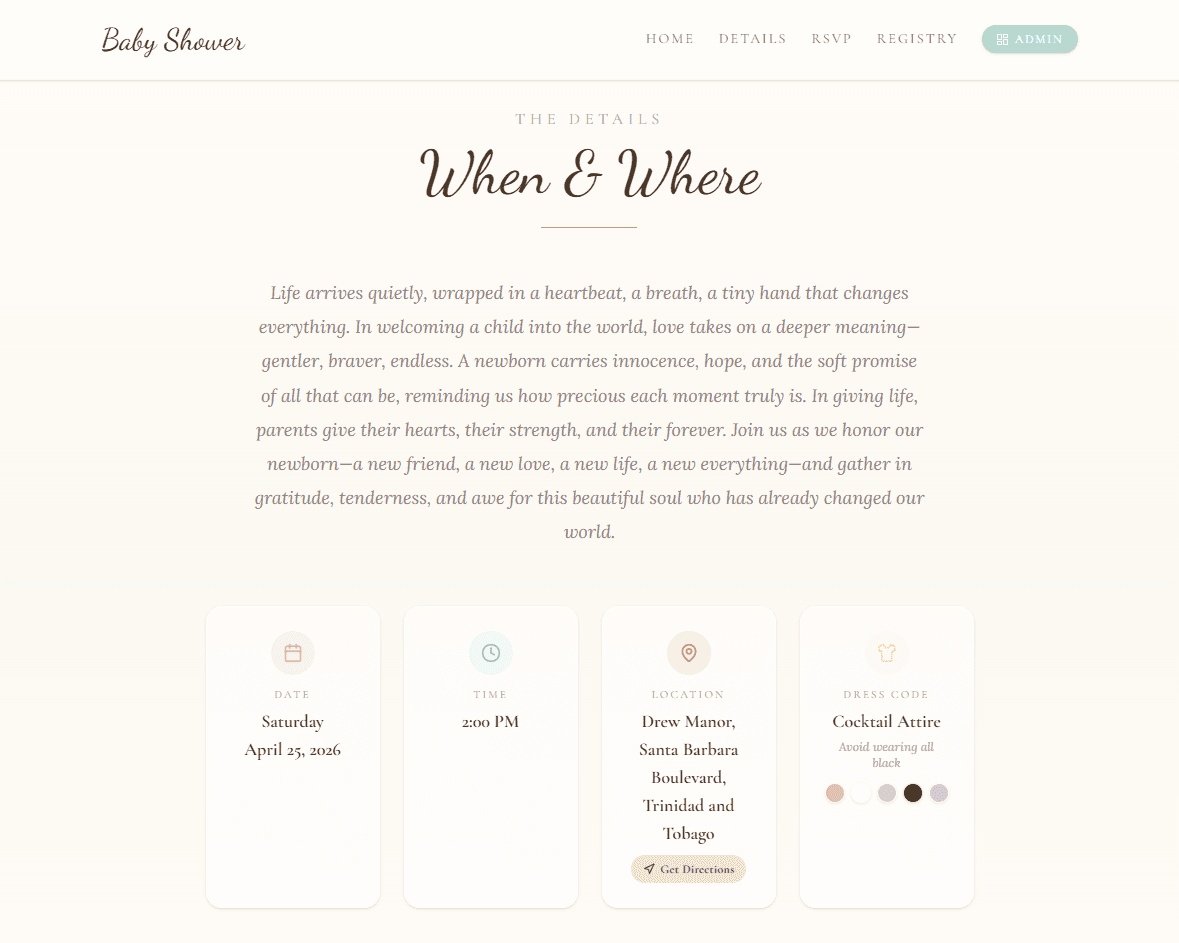
The date and time, the venue on a map, the order of the day and the dress code, laid out beneath your invitation so nobody has to text you to ask.
Registry & more
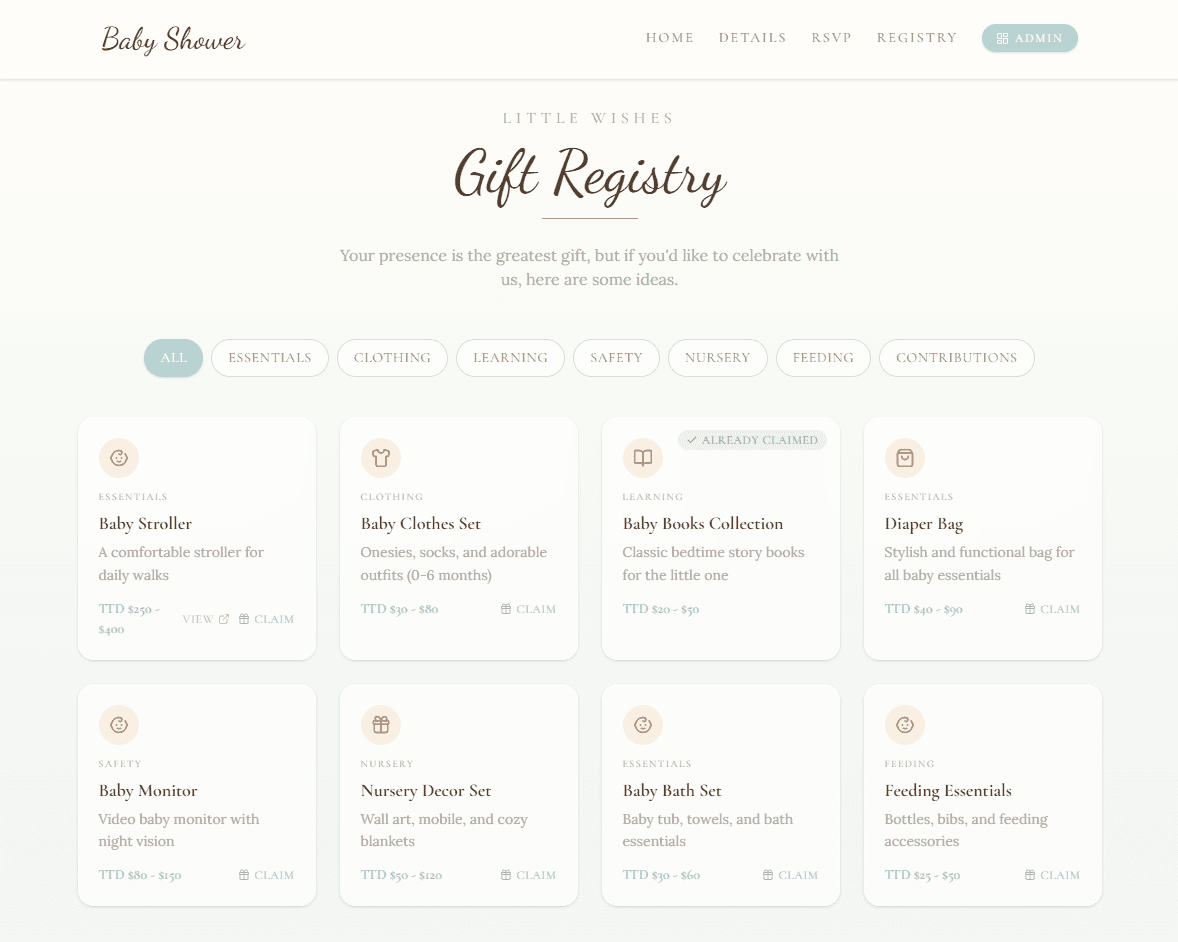
Guests RSVP, claim a gift, pre-order their meal, browse the dress code, and find their seat without ever leaving your page, and sections only appear when you switch them on.
Personalized invitation messages, accept or decline in two taps, and built-in bot protection. Only names on your guest list can reply. No accounts, no app downloads.
Choose who can bring guests and how many. Add their names yourself and they’re filled in when your guest replies, with dietary needs for each person.
Choose your guests’ language and every button, form and message on the RSVP follows, including right-to-left scripts like Arabic and Hebrew.
Guests claim items right on your event site, and quantities update in real time so two aunts never buy the same stroller. Add contribution items for group gifts.
Guests choose their courses ahead of time, with dietary notes, and you hand your caterer a clean spreadsheet export.
Guests see exactly which table and seat is theirs on an interactive map of your venue, highlighted in a color all their own.
A color palette and outfit inspiration photos, so “garden formal” never needs a follow-up text.
Guests ask questions right from the RSVP form, and your reply lands in their inbox automatically.
RSVP questions
Song requests, shuttle seats, hotel stays, the baby’s weight: add your own questions to the RSVP form and every answer arrives with the reply, ready to export.
Book with code LOVE27 for our room block at the Harbour Hotel.
Shown only if nights staying is 1 or more
From paper to pocket
Mailing paper invitations? One scan takes guests straight to your event site, which looks just as lovely on the phone in their hand.
Generate a QR code that opens your event site instantly. Style the dots, corners, and colors to match, then download a print-ready PNG or SVG for your paper invitations, save-the-dates, and table cards.
Each section has its own layout for phones, tablets and computers, so your invitation is never a squeezed-down desktop page. Most guests reply from the phone in their hand.
The design studio
Every template opens in a full design studio. Keep it as it is, or change every word, photo, color and layout.
Stack text, photos, buttons and cards in rows, or place artwork freely anywhere on the page.
Phones, tablets and computers each get their own arrangement, so nothing is squeezed or stretched.
Over 25 display, script and text fonts, with outlines and echoes for poster-style headlines.
Upload your own or search a library of free stock photos, add video backgrounds, and let confetti, leaves or stars drift by.
Add 3D models guests can play with: they turn or move when dragged, surrounded by animated effects you can tune.
Try another design whenever you like. Changes stay in a draft until you publish, on the same link.
The host toolkit
Purpose-built tools behind a single admin panel, from the first guest you add to the last seat you assign. Invite co-hosts, manage several events, and watch it all update live.
Start from one of 21 designer templates and change anything: words, photos, colors, fonts and layout, for phones, tablets and computers.
Open answers, numbers, single or multiple choice, 1–5 scales and rankings, with follow-ups and notices that appear only when they apply.
Add guests, set how many each can bring and name them in advance, then send personalized invitation links. A running total shows everyone you’ve invited.
Watch responses arrive the second guests tap submit, with every answer to your questions. Edit, remove, and reply to guests from one screen.
Date, time, and timezone with a location picker powered by Google Maps. Set an RSVP deadline and choose your guests’ language.
Map the day stage by stage, from arrival and toasts to the send-off, each with a time and an icon from a searchable library.
Generate a scan-to-RSVP QR code styled to match, and download it as a print-ready PNG or SVG for paper invitations.
Add items with links, target quantities, and icons. See who claimed what, and moderate guest-suggested items before they go live.
Guests, RSVPs with every answer, and menu choices download as CSV files for your caterer, venue and planner.
Drag and drop round, oval, square, rectangular, U-shape, and classroom tables. Auto-number seats and assign guests visually.
Invite co-hosts by email with role-based access. Planners can manage multiple events from one account and switch between them instantly.
Get emailed when a guest amends their RSVP; guests get emailed when you answer their question. Nothing slips through.
Occasions
Designs, question ideas and advice for the event you’re planning.
How it works
Sign up and pick a design for your occasion. Your site is live in under five minutes.
Set the date and venue, build your guest list, add your questions, and switch on the sections you want.
Send each guest their personalized invitation link. RSVPs, registry claims, and orders flow into your dashboard in real time.
Questions
No. Guests open your event link in any browser, enter their name, and RSVP in seconds. Only names on your guest list can reply.
Weddings, baby showers, birthdays, engagement parties, quinceañeras, graduations, dinners and galas, corporate events, Halloween and Thanksgiving, memorial services, pool and boat parties, and private parties. There are 21 designer templates, and any of them can be restyled for something else.
Yes. Add open-ended, number, single choice, multiple choice, 1–5 scale and ranking questions to the RSVP form. Questions and notices can show or hide depending on earlier answers, combined with “all” or “any” rules.
Yes. Switch to another template from the design studio at any time. Your edits stay in a draft until you publish, and guests always use the same link.
Yes. Choose from 33 languages and guests see the RSVP form, buttons and messages in that language. You write the invitation itself in whatever words you like.
Yes. Generate a QR code that opens your event site the moment a guest scans it with their phone camera. Style it to match, then download it as a print-ready PNG or SVG.
Beautifully. Each section can be laid out separately for phones, tablets and computers, and most guests respond right from the phone in their hand.
Yes. Invite co-hosts by email with role-based access. Event planners can manage multiple events under one login and switch between them from a dropdown.

Create your event site, share one link, and watch the RSVPs arrive, beautifully.